
Choose your hosting plan
Compare the options below. Confirm final pricing and available resources at checkout.
4GB RAM
Standard Plan
$15.00 /mo
Choose Standard Plan →8GB RAM
Medium Plan
$28.00 /mo
Choose Medium Plan →12GB RAM
Heavy Plan
$42.00 /mo
Choose Heavy Plan →Game hosting features
- Instant Setup
- DDoS Protection
- 24/7 Support
- Backups Included
- High Performance: Ryzen cores & NVMe for smooth TPS and fast loads
- Mod-Ready: One-click modpacks/plugins, version lock
- Total Control: Panel, SFTP, console, scheduler, logs
- Protection & Uptime: DDoS mitigation, 24/7 monitoring
- Scalable Plans: Upgrade RAM/CPU anytime
- Backups & Restores: Automated snapshots
- Ryzen CPUs + NVMe storage
- Automatic updates & version pinning
- Scheduled restarts & tasks
- 24/7 monitoring with alerting
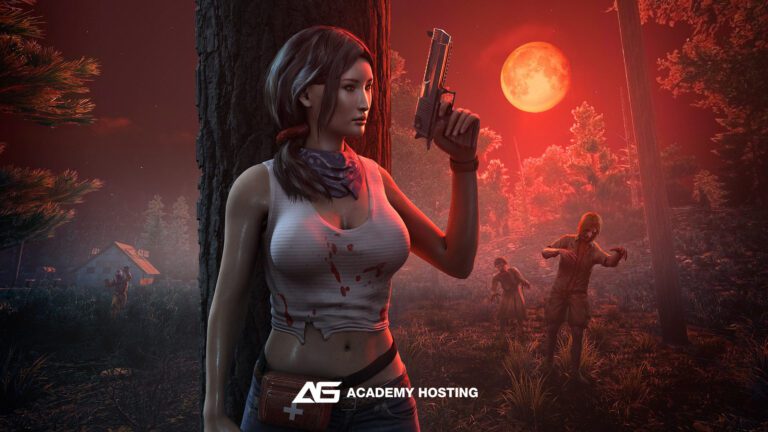
Project Zomboid hosting questions
Do you support modded Project Zomboid servers, including Steam Workshop integration?
Yes. Our Project Zomboid hosting fully supports Steam Workshop mods, custom modpacks, and manual mod uploads. You can add or remove mods directly through your control panel, and our system automatically handles mod updates, dependencies, and load order to keep your server stable.
Can I customize loot settings, zombie behavior, XP rates, and other gameplay rules?
Absolutely. Project Zomboid is one of the most customizable survival games, and you have full access to key configuration files including SandboxVars.lua, servertest.ini, and mod configs. You can adjust spawn rates, loot rarity, day length, PvP rules, XP multipliers, safehouse options, infection settings, and much more.
How do server updates and version branches work, especially with IWBUMS or unstable builds?
You can choose which branch your server runs on—Stable, Unstable, or IWBUMS—directly from your control panel. Updates are handled automatically through SteamCMD, but you can also manually trigger updates or switch branches anytime. This ensures compatibility whether you prefer stable gameplay or want to test the latest features.
Do you offer automatic backups and rollback support for world saves?
Yes. All Project Zomboid servers include automatic daily backups of your world saves, player data, and configuration files. You can also create manual backups or roll back to any previous restore point if your world becomes corrupted or griefed. Restoring is fast, secure, and doesn’t require downtime.