Menu +
GAME SERVER HOSTING
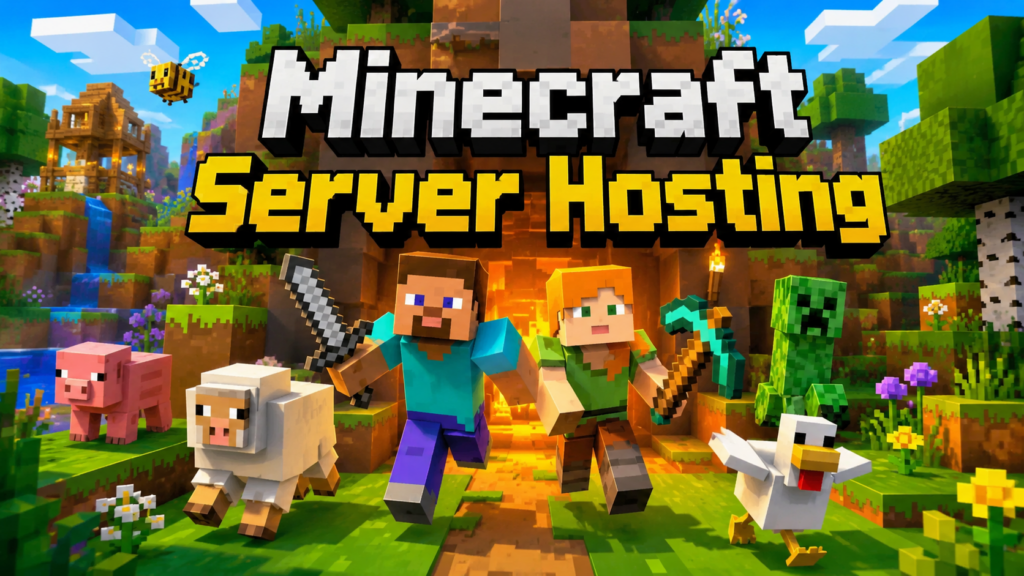
Minecraft server hosting from $2.25 USD per month. Run Java or Bedrock with Ryzen processors, NVMe storage, DDoS protection and a server control panel. Compare RAM options below for vanilla, plugins and modpacks.
DDoS protection
Control panel
From $2.25 USD / month
CHOOSE YOUR PLAN
Pick your memory allocation. Confirm final pricing and available options at checkout.
1 GB RAM
$2.25
USD / month · starting from
Ryzen processors · NVMe storage
Server panel · DDoS protection
2 GB RAM
$4.50
USD / month · starting from
Ryzen processors · NVMe storage
Server panel · DDoS protection
4 GB RAM
$9.00
USD / month · starting from
Ryzen processors · NVMe storage
Server panel · DDoS protection
6 GB RAM
$13.50
USD / month · starting from
Ryzen processors · NVMe storage
Server panel · DDoS protection
8 GB RAM
$18.00
USD / month · starting from
Ryzen processors · NVMe storage
Server panel · DDoS protection
10 GB RAM
$22.50
USD / month · starting from
Ryzen processors · NVMe storage
Server panel · DDoS protection
14 GB RAM
$31.50
USD / month · starting from
Ryzen processors · NVMe storage
Server panel · DDoS protection
18 GB RAM
$40.50
USD / month · starting from
Ryzen processors · NVMe storage
Server panel · DDoS protection
24 GB RAM
$54.00
USD / month · starting from
Ryzen processors · NVMe storage
Server panel · DDoS protection
32 GB RAM
$72.00
USD / month · starting from
Ryzen processors · NVMe storage
Server panel · DDoS protection
Not sure what your modpack needs? Our team can help you compare plans before you order. After setup, use the game control panel to check memory usage and console logs while players are online. Review usage during normal play and heavier activity before deciding whether your Minecraft server hosting plan needs more resources.
What should I check before choosing a plan?
Check whether you need Java or Bedrock, then decide between vanilla, a plugin server or a modpack. Confirm that your friends use a compatible edition and version. RAM needs depend on the world, plugins, mods and workload as well as player count. Compare the allocations above and check your modpack’s recommendations before ordering. Contact our team if a requirement is unclear.
Can I upload an existing Minecraft world?
Yes, you can transfer a compatible world through the server panel. Stop the server and create a backup before replacing files. Follow our Minecraft world-upload guide to place the folder correctly and configure the server to load it. Check the world version and server software first, then verify the world and player data after startup. Keep the original backup until you have confirmed the transfer.
INCLUDED WITH YOUR PLAN
01
AMD Ryzen processors and NVMe storage power responsive worlds and faster loading.
02
Manage the console, files, mods and scheduled tasks from one control panel.
03
Get help with setup, configuration and the next step for your community.
NEED A HAND?
Java or Bedrock: can I host either?
Both Minecraft Java and Bedrock Edition are supported. Choose your preferred version during setup and manage it from your control panel.
Can I use plugins and modpacks?
Spigot, Paper, Forge and Fabric are supported. Install your server files through SFTP or use the installers available in the control panel.
How much memory should I choose?
The right amount depends on your version, player count, world size and mods. Check your modpack requirements, then contact our team if you want help comparing plans.
ACADEMY HOSTING
Choose a plan, set up your world, and invite your players.