Choose your hosting plan
Compare the options below. Confirm final pricing and available resources at checkout.
8GB
Standard PLAN
$28.00 /mo
Choose Standard PLAN →12GB
Medium PLAN
$39.00 /mo
Choose Medium PLAN →16GB
Heavy PLAN
$28.00 /mo
Choose Heavy PLAN →Game hosting features
- Instant Setup
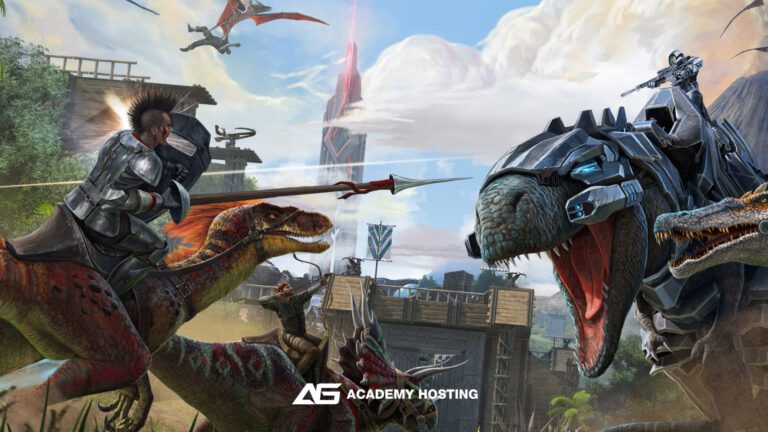
- Survival Evolved or Ascended Supported
- DDoS Protection
- 24/7 Support
- Backups Included
- High Performance: Ryzen cores & NVMe for smooth TPS and fast loads
- Mod-Ready: Full Steam Workshop integration - install mods, maps, and total conversions in just a few clicks.
- Total Control: Change maps, adjust player levels, tweak dino spawns, or modify game rules from your control panel.
- Protection & Uptime: DDoS mitigation, 24/7 monitoring
- Scalable Plans: Upgrade RAM/CPU anytime
- Backups & Restores: Automated snapshots
- Ryzen CPUs + NVMe storage
- Instant version switching (Evolved ↔ Ascended)
- Scheduled restarts & tasks
- 24/7 monitoring with alerting
ARK hosting questions
Do you support both Survival Evolved and Survival Ascended?
Yes! You can host either version.
Can I switch my ARK server between maps or DLCs after ordering?
Absolutely. You can install mods directly using the Steam Workshop Mod IDs. Our panel includes full mod support, auto-updates, and optional mod-based server restarts. Large modpacks and overhaul mods like Primal Fear, Gaia, and Ark Eternal are fully compatible.
Can I switch my ARK server between maps or DLCs after ordering?
Yes! You can change maps, DLCs, and total conversions at any time from your control panel. All available ARK maps—including Fjordur, The Island, Scorched Earth, Aberration, and custom modded maps—are supported. Your server files and world data are preserved during map switches unless you choose to reset them. servers or larger communities.
You can easily upgrade your plan anytime without losing world data.
Do you allow crossplay between Steam, Epic Games, and console players?
Yes, your ARK server can be configured for crossplay between Steam and Epic Games players. Console crossplay (Xbox & PlayStation) is supported only on officially compatible ARK server builds and requires specific configuration settings. Our support team can help you set up the correct crossplay mode based on the platforms your community uses.