Choose your hosting plan
Compare the options below. Confirm final pricing and available resources at checkout.
6GB
Standard PLAN
$12.00 /mo
Choose Standard PLAN →8GB
enhanced PLAN
$16.00 /mo
Choose enhanced PLAN →12GB
advanecd PLAN
$24.00 /mo
Choose advanecd PLAN →16GB
ultimate PLAN
$32.00 /mo
Choose ultimate PLAN →Game hosting features
- Instant Setup
- DDoS Protection
- 24/7 Support
- Backups Included
- High Performance: Ryzen cores & NVMe for smooth TPS and fast loads
- Mod-Ready: One-click modpacks/plugins, version lock
- Total Control: Panel, SFTP, console, scheduler, logs
- Protection & Uptime: DDoS mitigation, 24/7 monitoring
- Scalable Plans: Upgrade RAM/CPU anytime
- Backups & Restores: Automated snapshots
- Ryzen CPUs + NVMe storage
- Automatic updates & version pinning
- Scheduled restarts & tasks
- 24/7 monitoring with alerting
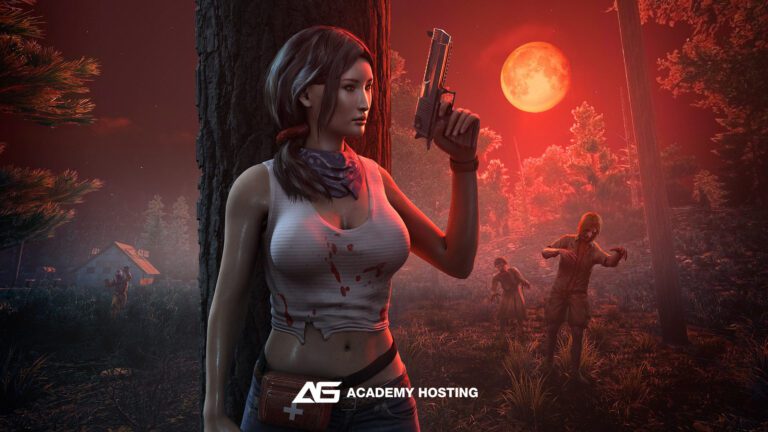
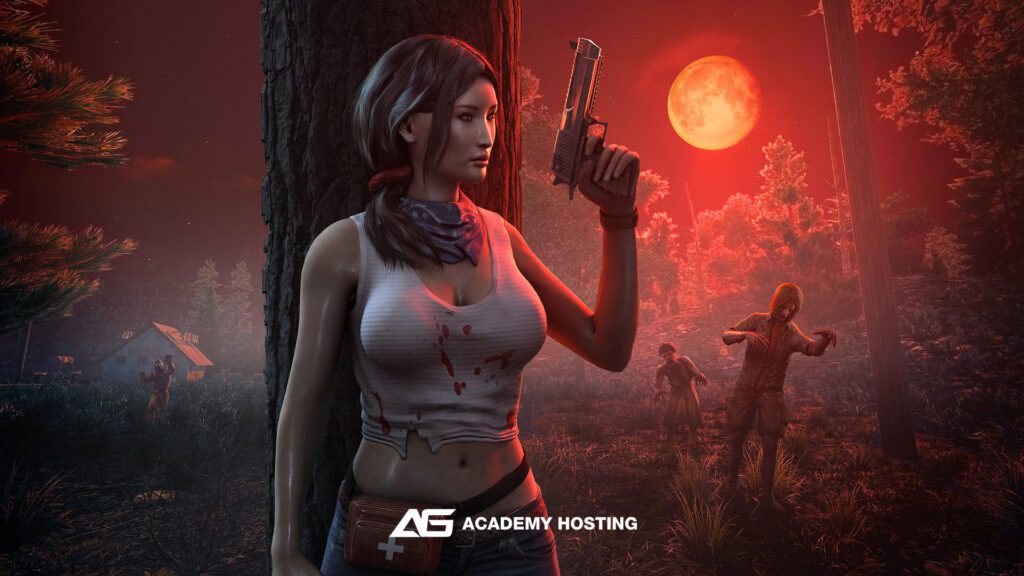
7 Days To Die hosting questions
Do you support modded 7 Days to Die servers, including overhaul mods like Darkness Falls or Undead Legacy?
Yes. Our 7 Days to Die hosting fully supports modded servers, including large overhaul mods such as Darkness Falls, Undead Legacy, War of the Walkers, and custom modpacks. You can upload mods via SFTP or install them through your control panel, and you retain full control over mod load order and updates.
Can I customize Horde Night settings, XP rates, loot distribution, and world generation?
Absolutely. You have full access to server configuration files, including serverconfig.xml, map generation settings, difficulty levels, XP multipliers, zombie behavior, loot respawn rules, Blood Moon frequency, and custom world gen. You can tune your server for PvE, PvP, hardcore survival, or modded playstyles.
How do updates work when a new version of 7 Days to Die is released?
All updates are handled automatically using SteamCMD. When The Fun Pimps release a new patch or experimental build, you can choose to:
Auto-update your server,
Manually trigger updates,
Stay on a specific branch (stable or experimental).
This ensures compatibility with your players’ game versions while keeping your world safe.
Do you support backups, restores, and world protection for 7 Days to Die?
Yes. Every server includes automatic daily backups, plus on-demand manual backups you can create anytime. You can restore your world, player data, or full server state in seconds if corruption or griefing occurs. Our system keeps multiple restore points so your progress is always protected.